MonoStudy
Simple study companion

A desk, a pen,
and MonoStudy.

Cut the effort it takes to start studying down to almost zero. A timer, flashcards, goal tracking and to-dos — all in one simple study tool.
No sign-up — start now Minimal ads · zero notifications Everything within 3 taps
Screens

A screen that never
gets in your way.

Real screens, stripped of needless decoration. The moment you open it, you know exactly what to do.
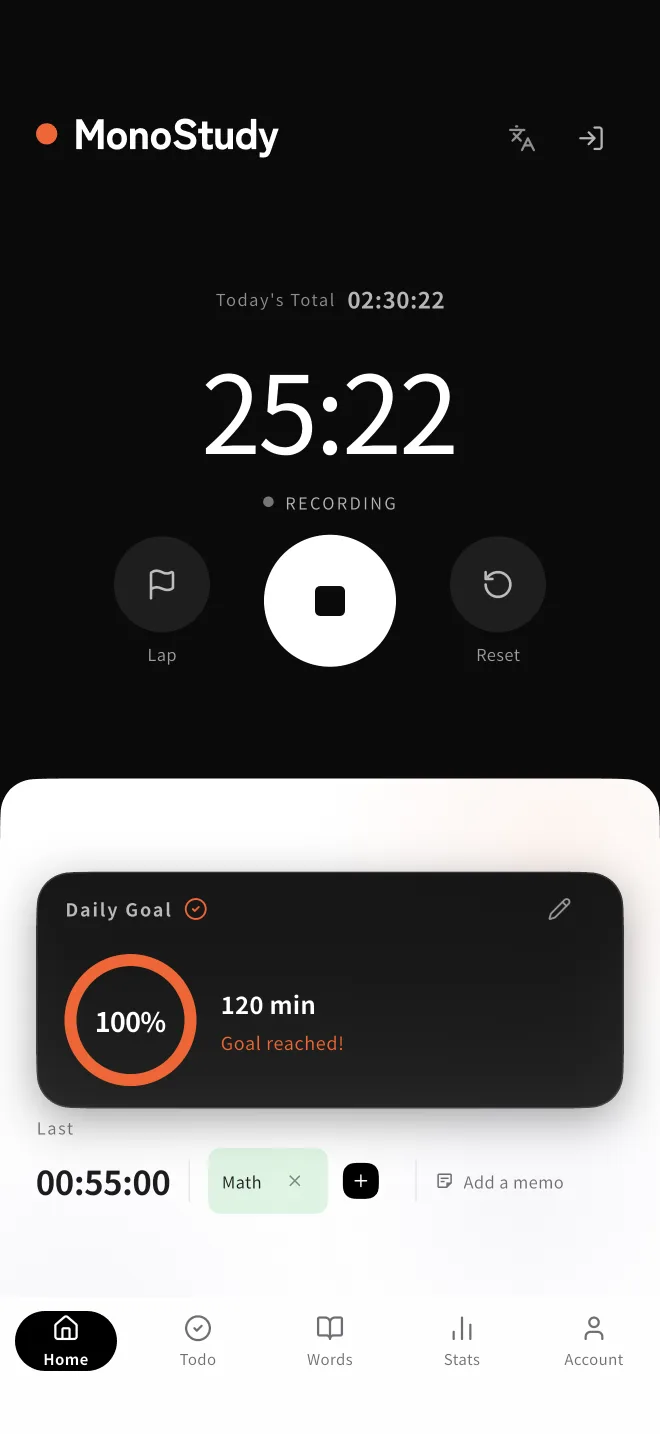
MonoStudy home screen showing the study timer and today's goal
HomeTimer & today's goal
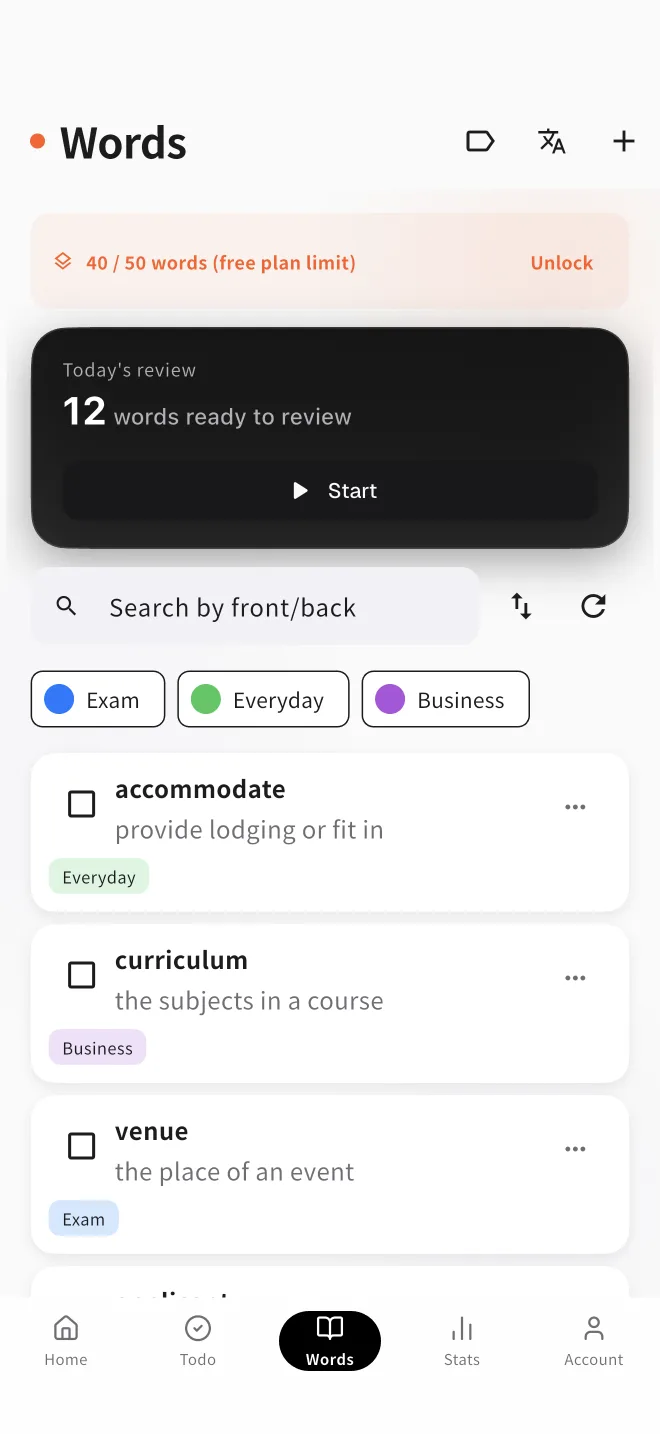
MonoStudy flashcards screen listing words to review along the forgetting curve
FlashcardsReview on the forgetting curve
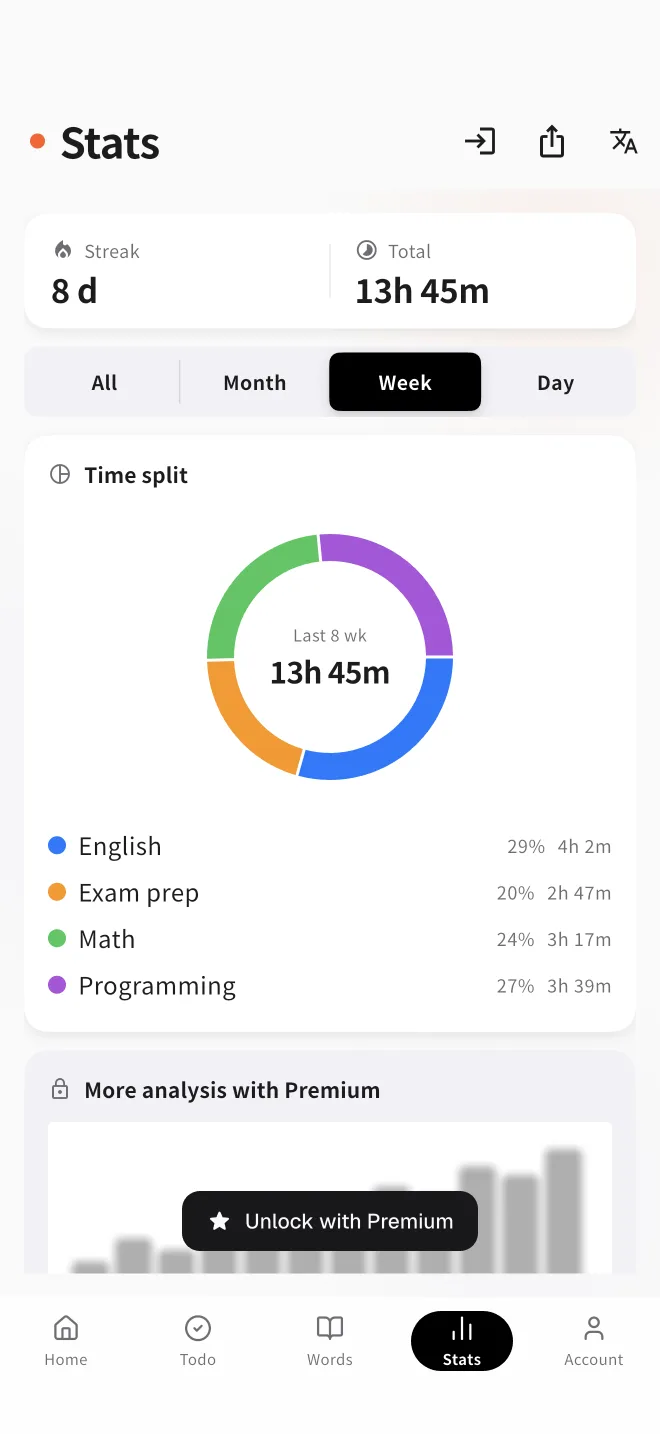
MonoStudy stats screen showing study time trends as a chart
StatsVisualize your progress
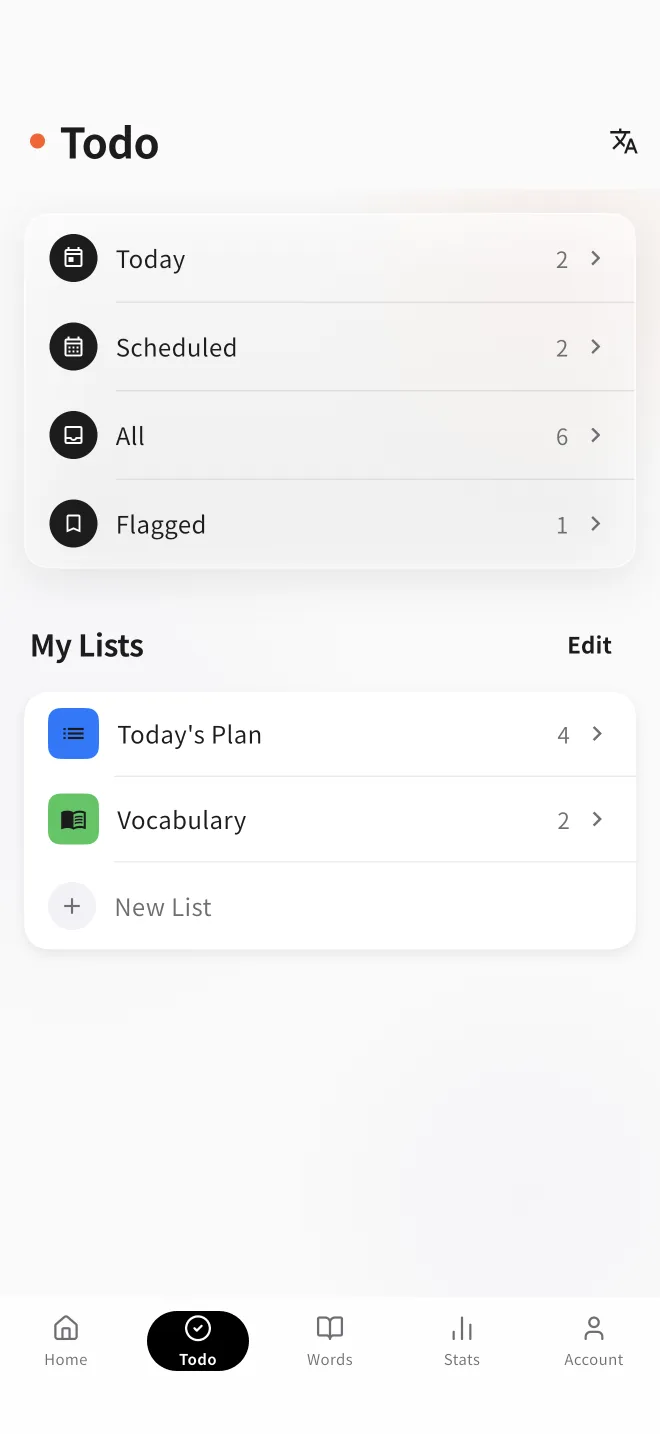
MonoStudy to-do screen listing today's study tasks
To-doOrganize what to do
Features

Only what you need,
all of it.

Just the features that genuinely help you study. Not overwhelming you with options is itself a core design principle of MonoStudy.

Timer tracking with auto-save

Start and stop with one tap. The moment you finish, it's saved to the cloud and reflected in today's record right away.

Flashcards on the forgetting curve

Swipe to mark "got it / forgot it." An SRS algorithm based on the forgetting curve serves up the words you need to review next.

Goals & streaks

Set a daily goal and your remaining time shows in real time. A running streak of study days quietly nudges you toward a habit.

Organize with to-dos

Add today's study tasks and clear them one by one. A small celebration on completion keeps you going.

Stats & per-tag charts

Visualize study time and review accuracy. Per-tag charts show, at a glance, how much you've put into each subject.

Anonymous start & sync

Use it right away with no sign-up. Log in and your data is saved to the cloud, syncing your records across devices.

Guides

A closer look at the features.

Guides to how each feature works, depending on what you're after.

"Being simple" is,
itself, a feature.

Feature-packed apps often turn "using the app" into a task of its own. MonoStudy is a study tool built to reduce the friction of getting started to as close to zero as possible. Minimal ads, zero notifications, everything within 3 taps. All that saved space goes straight back into studying.

Pricing

Free is plenty.
Go Premium for more.

All the basics are free. When you want to manage more words and tags, you can upgrade anytime.

Free
¥0/ free forever

No sign-up — start anonymously now

  • Timer tracking & auto-save
  • Goals, streaks & to-dos
  • Flashcards (up to 50)
  • Tags (up to 3)
  • Stats for recent periods only
Recommended
Premium
¥280/ month

Cancel anytime

  • Everything in Free
  • Unlimited words
  • Unlimited tags
  • Full study history
  • Per-tag charts
FAQ

Frequently asked questions

Do I need to sign up?
No. Open the app and you can start right away, anonymously. Log in later and your data is saved to the cloud, syncing your records across multiple devices.
How much can I use for free?
Timer tracking with auto-save, goal tracking, streaks, to-dos and the basic stats are all free. You can register up to 50 flashcards and 3 tags. To go beyond that, use Premium.
What changes with Premium?
The limits on words and tags are removed, so you can manage them without limit. You also gain your full study history and per-tag charts. The price is ¥280 per month.
Can I cancel?
Yes, anytime. If you subscribed via the iPhone app (App Store), go to the iPhone "Settings" → Apple Account → "Subscriptions." If you subscribed via the web, change or cancel your plan from the payment management screen inside the app.
Where is my data stored?
Once you log in, your records are stored securely in the cloud (Firebase) and synced across devices. Each user can access only their own data, and payment information is protected so it cannot be altered from the app. See the Privacy Policy for details.
Which devices can I use?
You can use the iPhone app (App Store) and any web browser. Log in with the same account and you can carry your study records across multiple devices.

So, sit down and study.

No sign-up. Open it, and begin. That's all.

Open the app →